01
Save to a YouTube playlist
This is the one that does the most work. Connect your YouTube account, tell TubeZen which playlist to watch, and from then on saving a video to that playlist is all it takes — from the desktop site or the YouTube app on your phone.
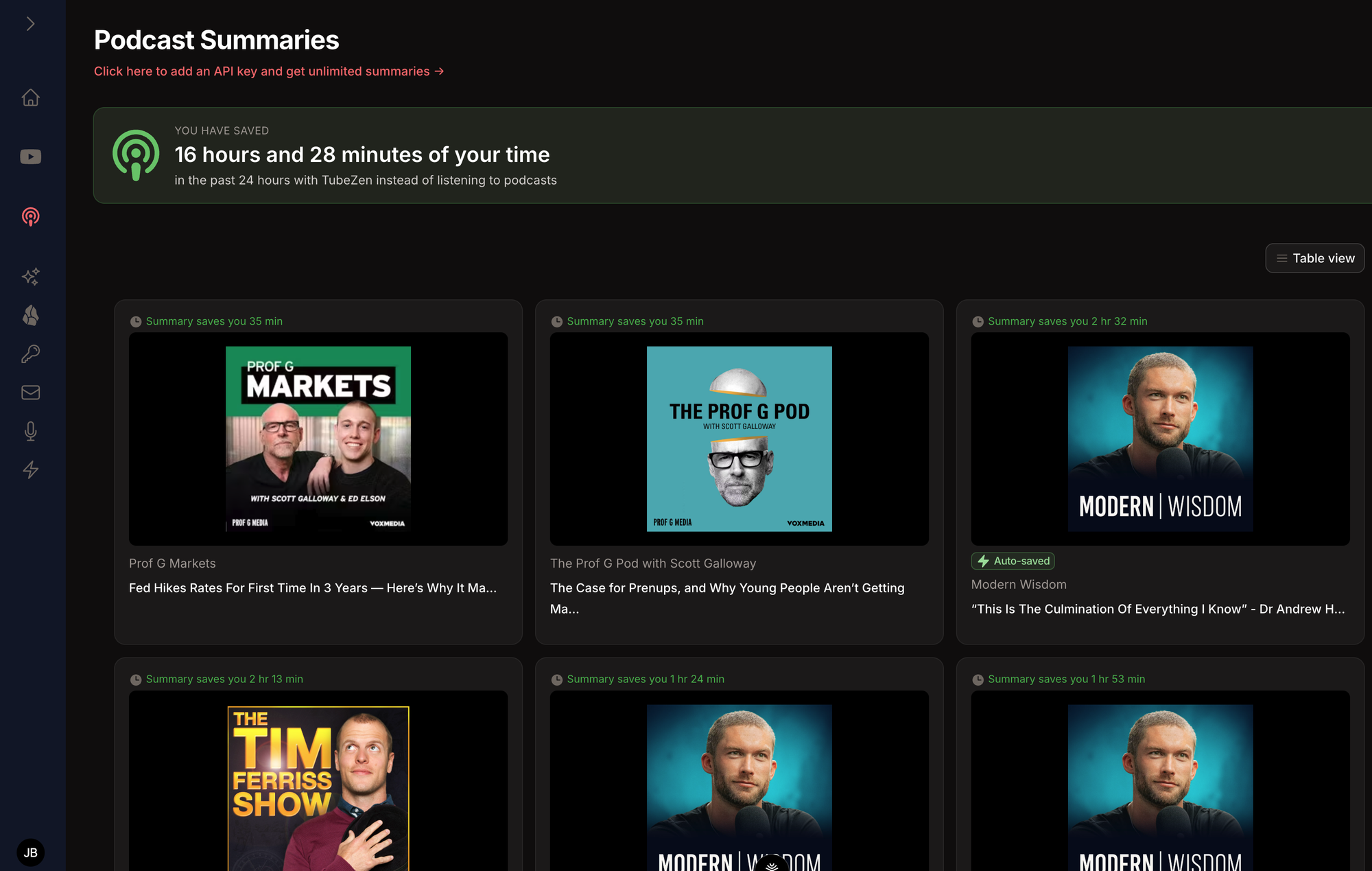
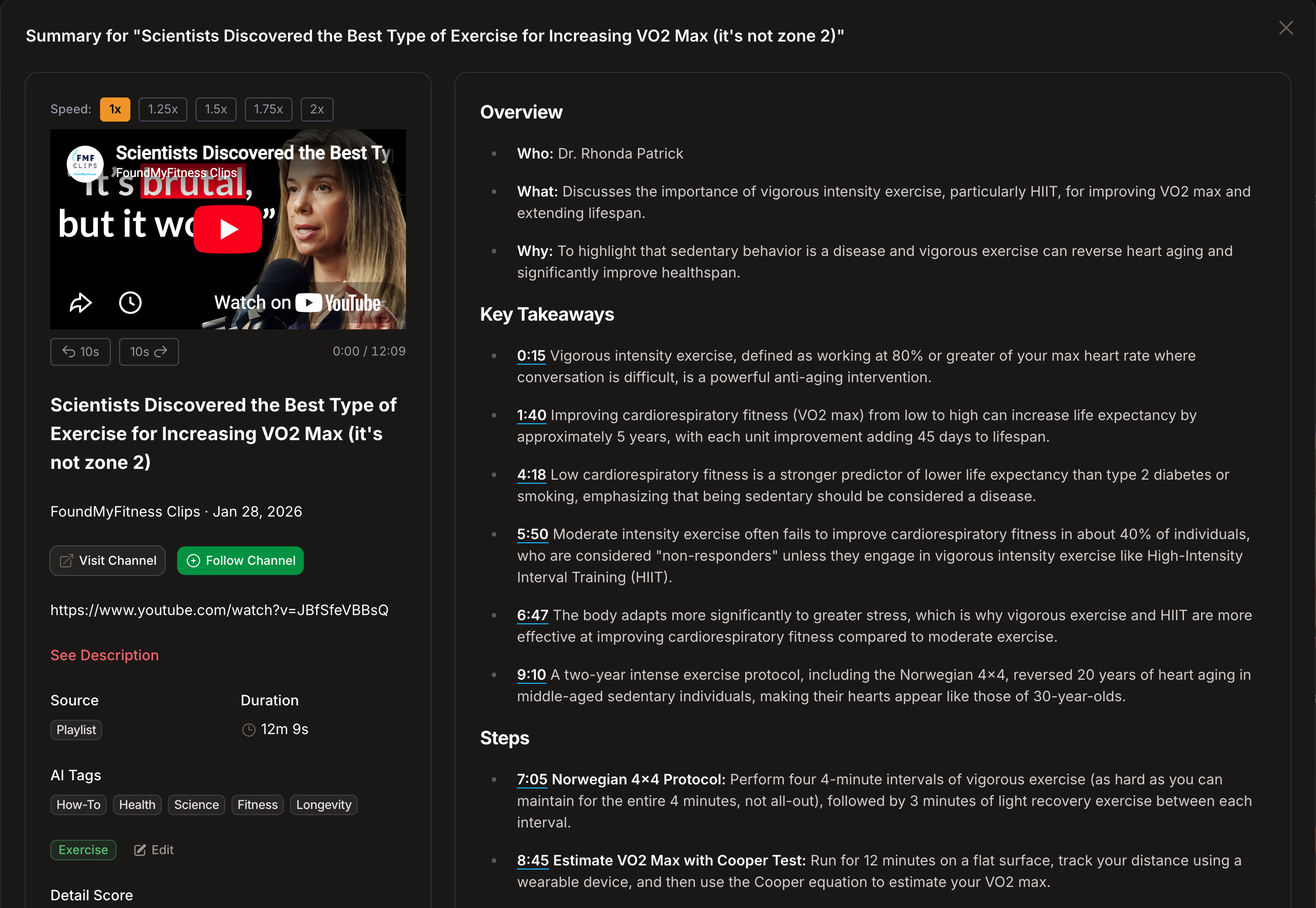
You never open the video. You never see the sidebar. We check your playlists every fifteen minutes, so by the time you next sit down the summary is already in your inbox.
- 1 Connect YouTube from Settings, under the YouTube section.
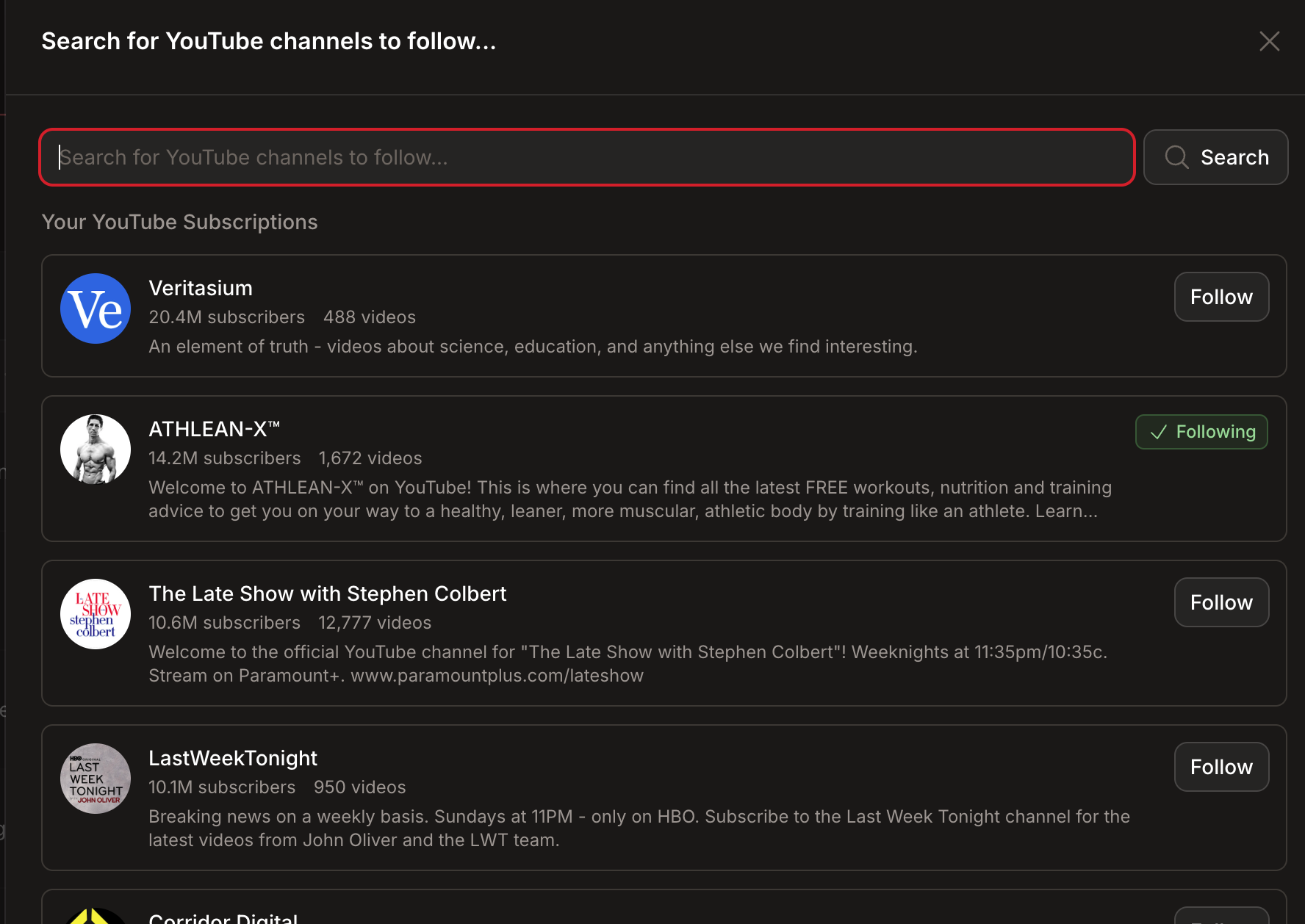
- 2 Choose a playlist to follow — many people make one called "TubeZen".
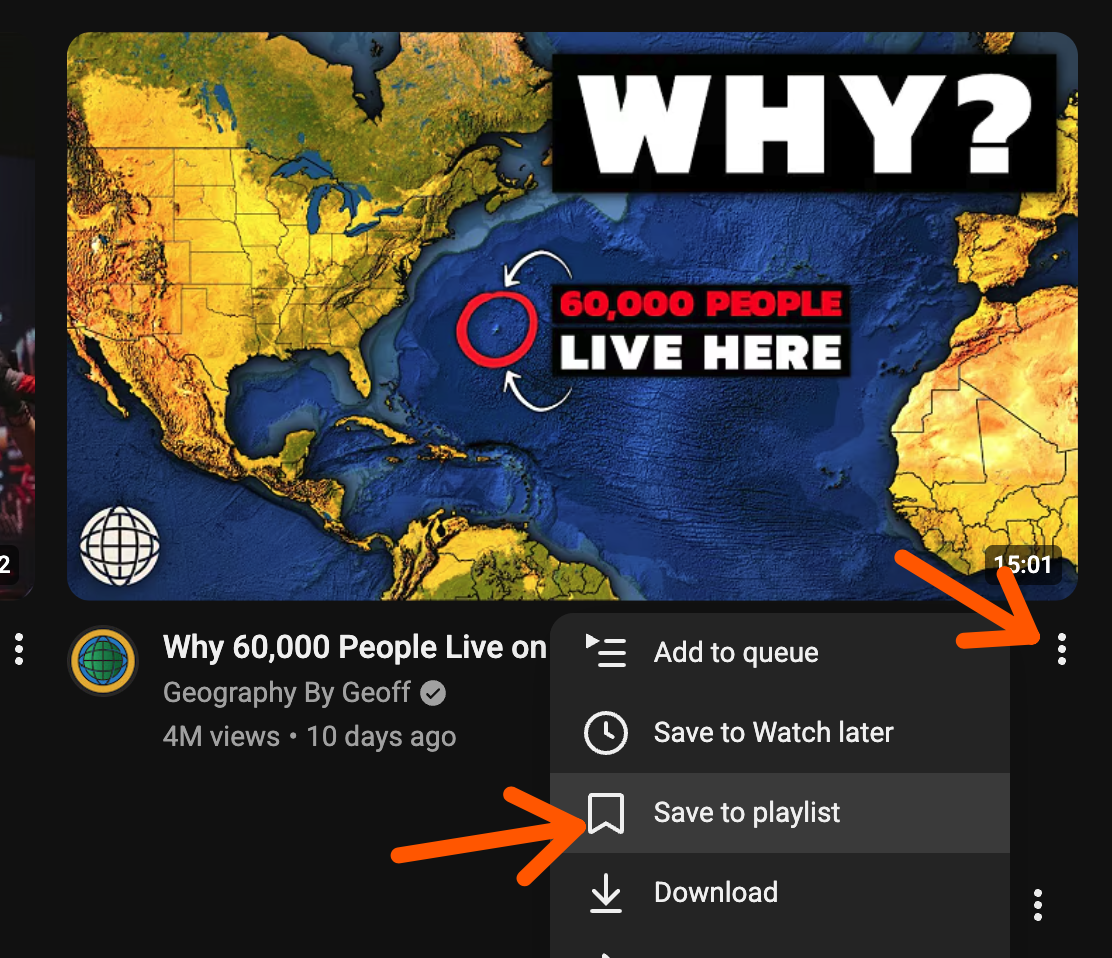
- 3 On YouTube, tap the three dots on any video and pick Save to playlist.